
 Logos Kit
Install the wallet
Logos Kit Wallet in Basecamp from its catalog, or built from source.
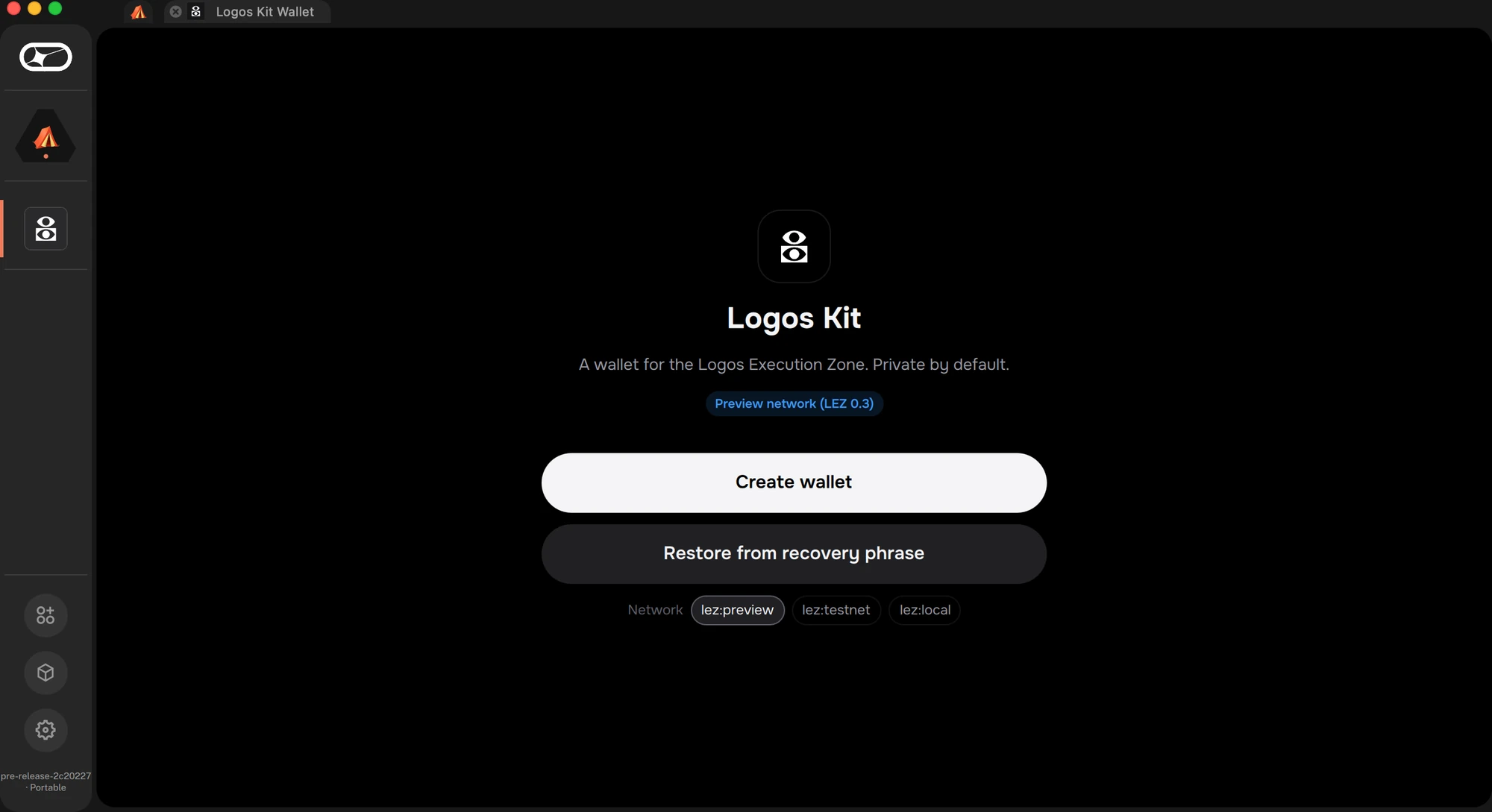
From the catalog
Add the Logos Kit catalog
Settings → Package Repositories → Add:
https://raw.githubusercontent.com/logos-kit/logos-kit-modules/refs/heads/main/logos-repo.json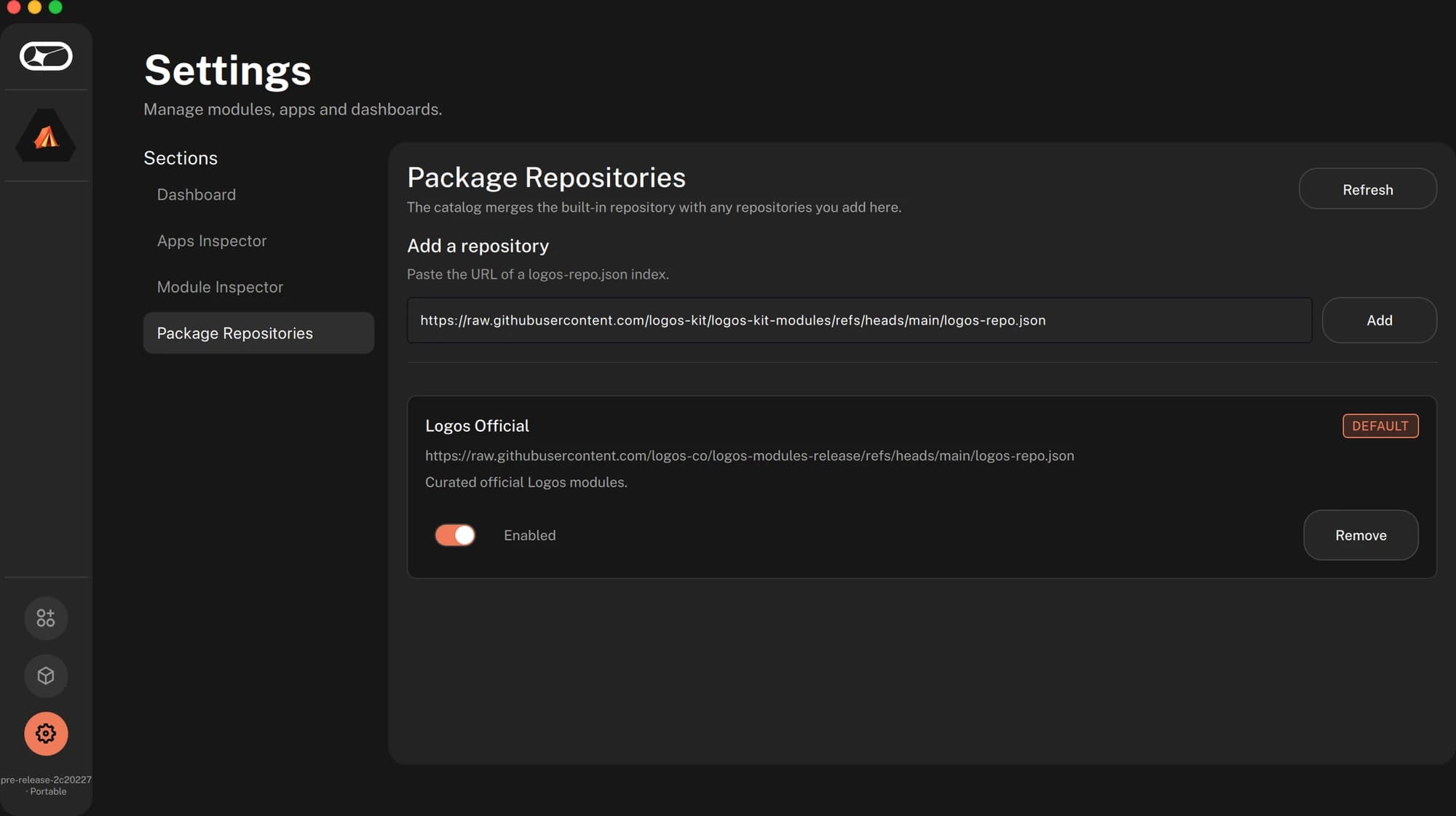
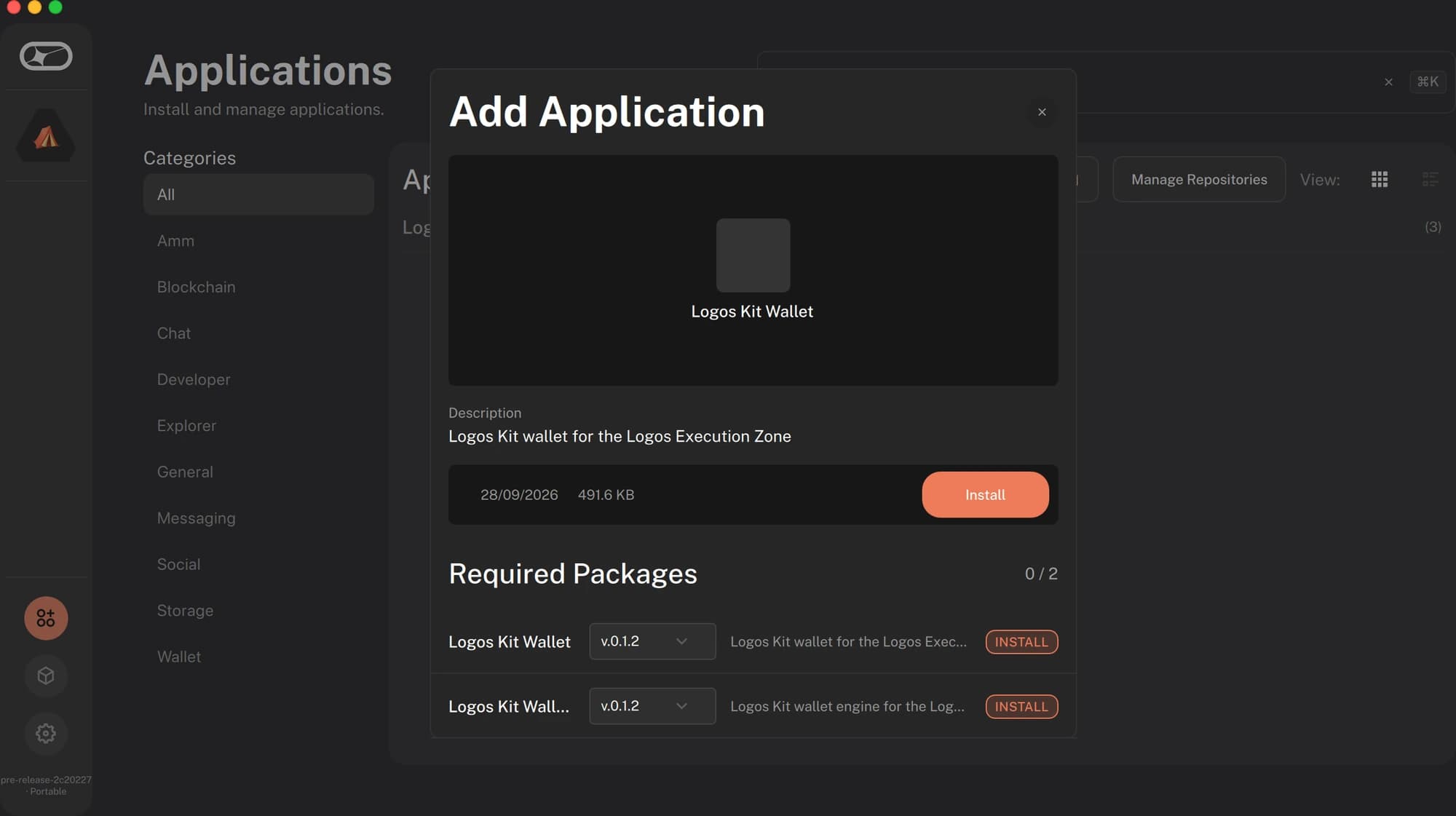
Install
Applications → Logos Kit Wallet → Install. Basecamp pulls the core module
(logos_kit_wallet) with it.
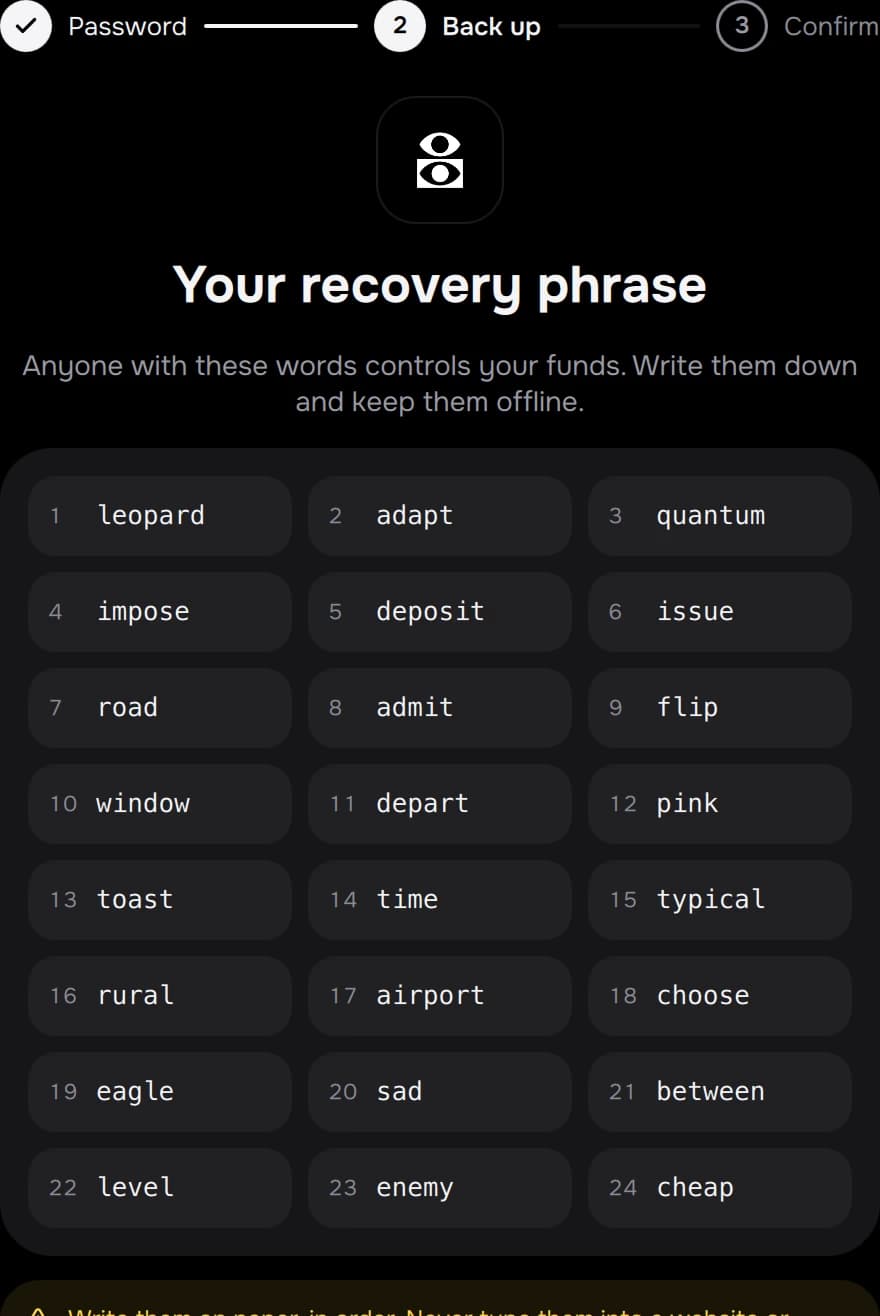
Set it up
Create wallet (write the recovery phrase down; it's shown once) or Restore from recovery phrase. Pick a password; the wallet locks itself after 15 minutes without use (1 minute to 24 hours, in Settings). It starts on the official LEZ testnet.
| Package | Version | What |
|---|---|---|
logos_kit_wallet | 0.2.0 | Core module: keys, policy, proving, sync |
logos_kit_wallet_ui | 0.2.0 | The wallet app |
logos_kit_testimonial | 0.2.0 | Testimonials app |
logos_kit_faucet | 0.2.0 | Test funds app |
Packages are signed by the Logos Kit release key and built for macOS (Apple silicon) and Linux (x86-64, arm64). The catalog lives at logos-kit/logos-kit-modules.
From source
git clone https://github.com/logos-kit/logos-kit && cd logos-kit
cd modules/logos_kit_wallet    && nix build .#lgx-portable
cd ../logos_kit_wallet_ui      && nix build .#lgx-portable
Install the two .lgx files from result/ with Basecamp's Package Manager
(Install from file) or lgpm install --file <file>.lgx. Build from a git
checkout: the UI flake refers to ../logos_kit_wallet.
Using it
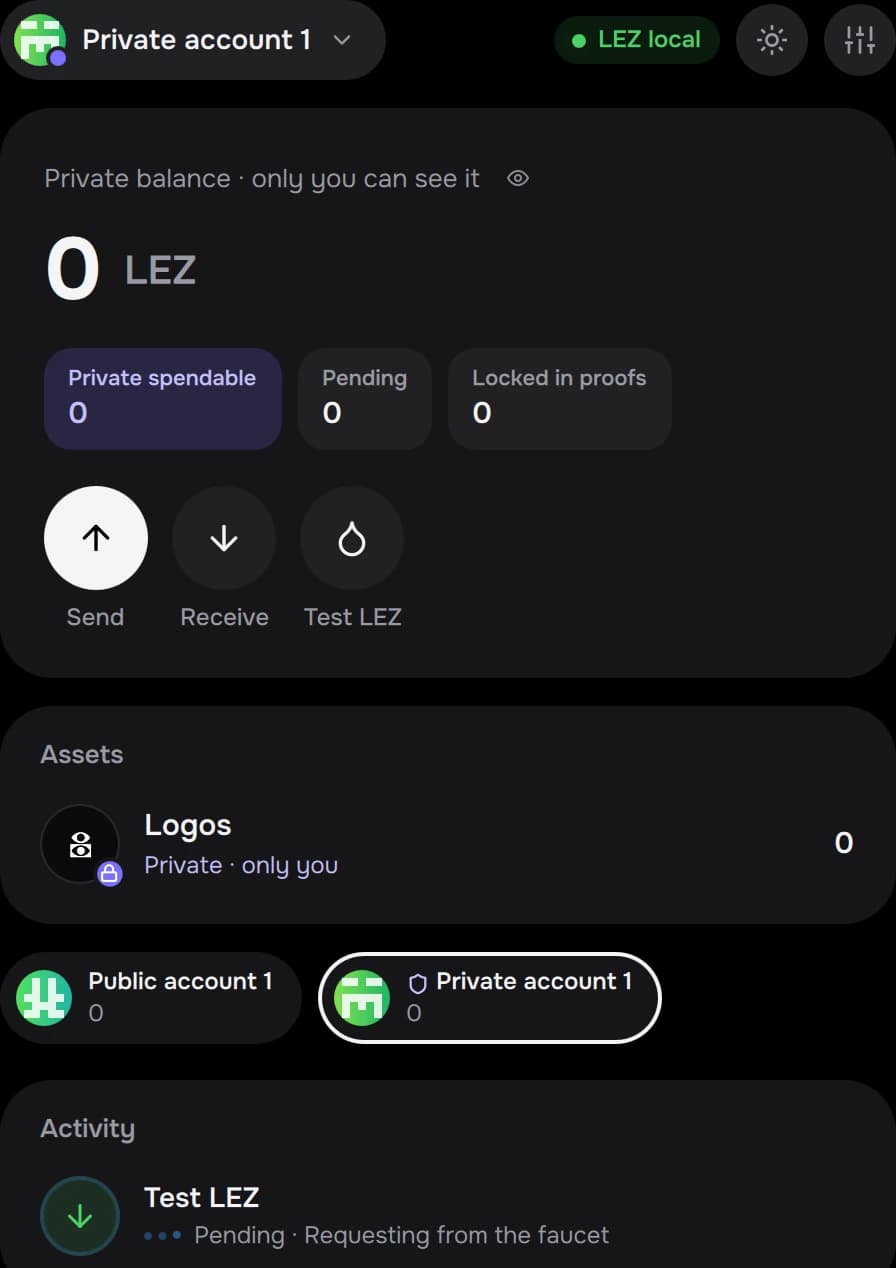
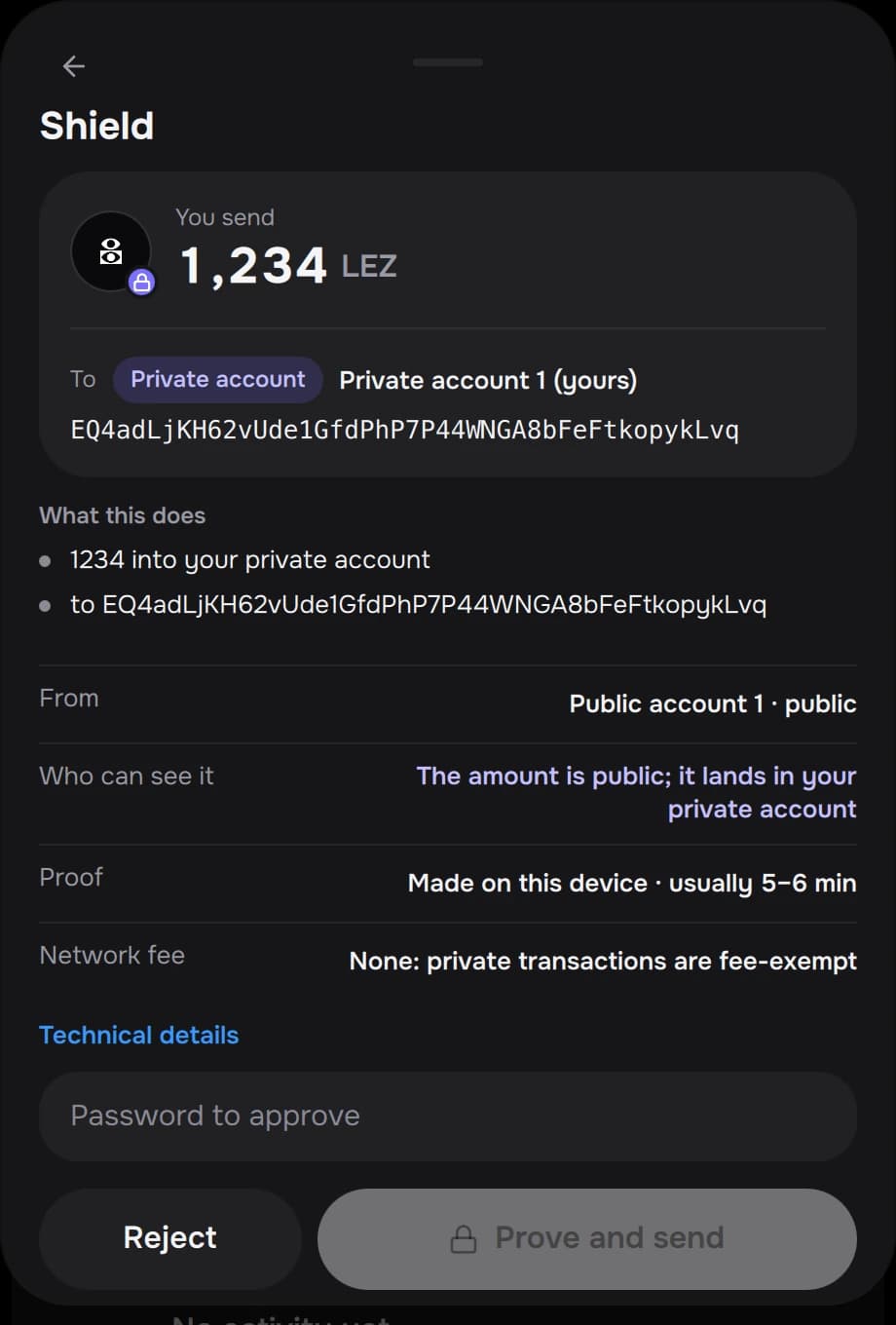
- Accounts: add public or private accounts from the account menu; name them; switch with one click.
- Send / Receive: the route (public, shield, deshield, private) follows from the two accounts. Amounts are in LGO, with up to 9 decimals.
- Test LGO: on the testnet (and the preview network), gets test LGO from Logos Kit's faucet.
- Settings: network, theme, auto-lock, connected apps (revoke any time), reveal the recovery phrase.