
 Logos Kit
Quickstart
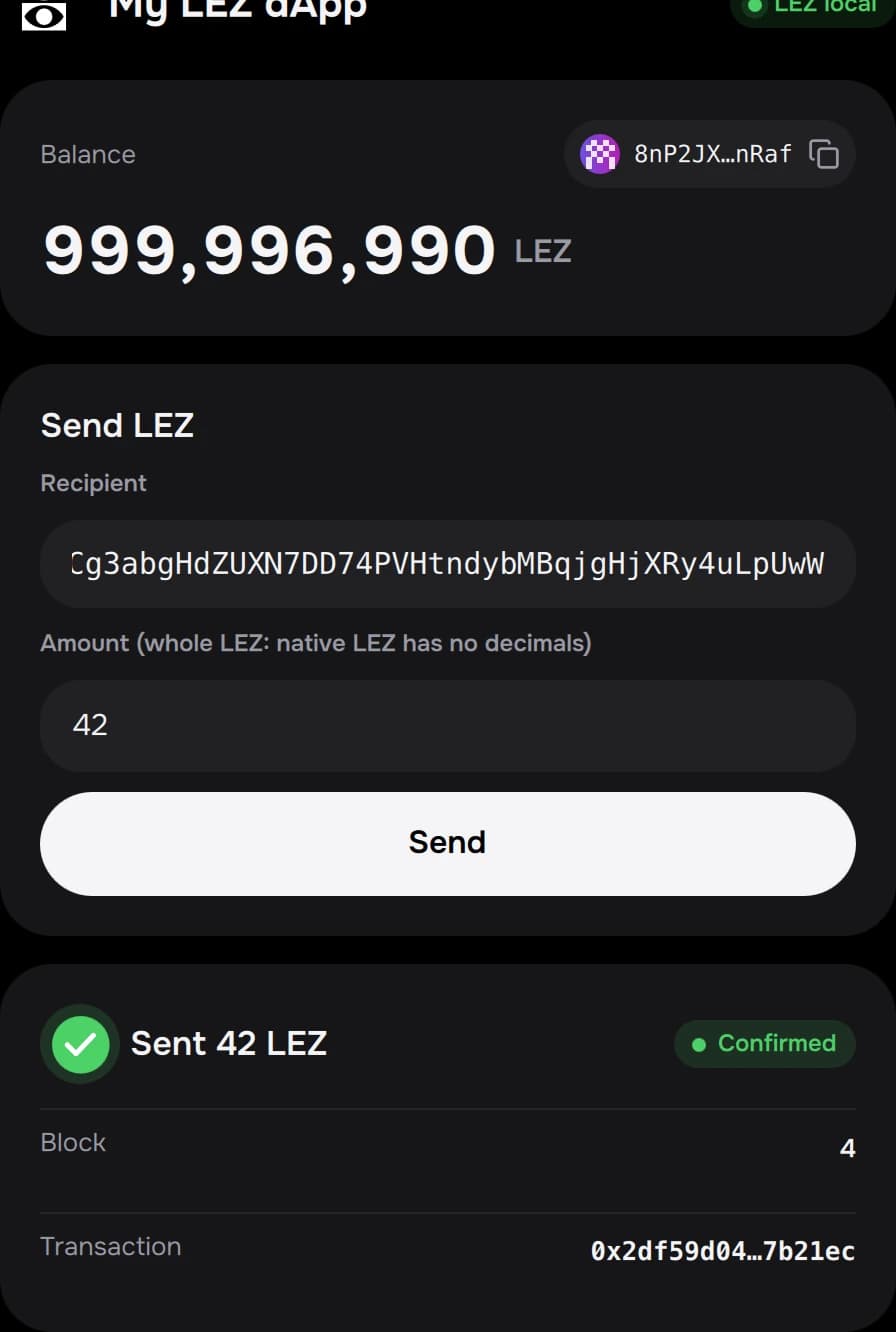
From the Logos Kit catalog to your own Basecamp app that connects, gets test funds and sends LGO with a receipt.
You'll install the wallet from its catalog, make a first send in it, then build the template app and use it to connect, get test funds and send.
| Part | Time |
|---|---|
| 1. Wallet from the catalog, first send | about 5 minutes |
| 2. Your app from the template | 5–10 minutes with Nix installed; the first nix build can take 20+ minutes on a cold cache |
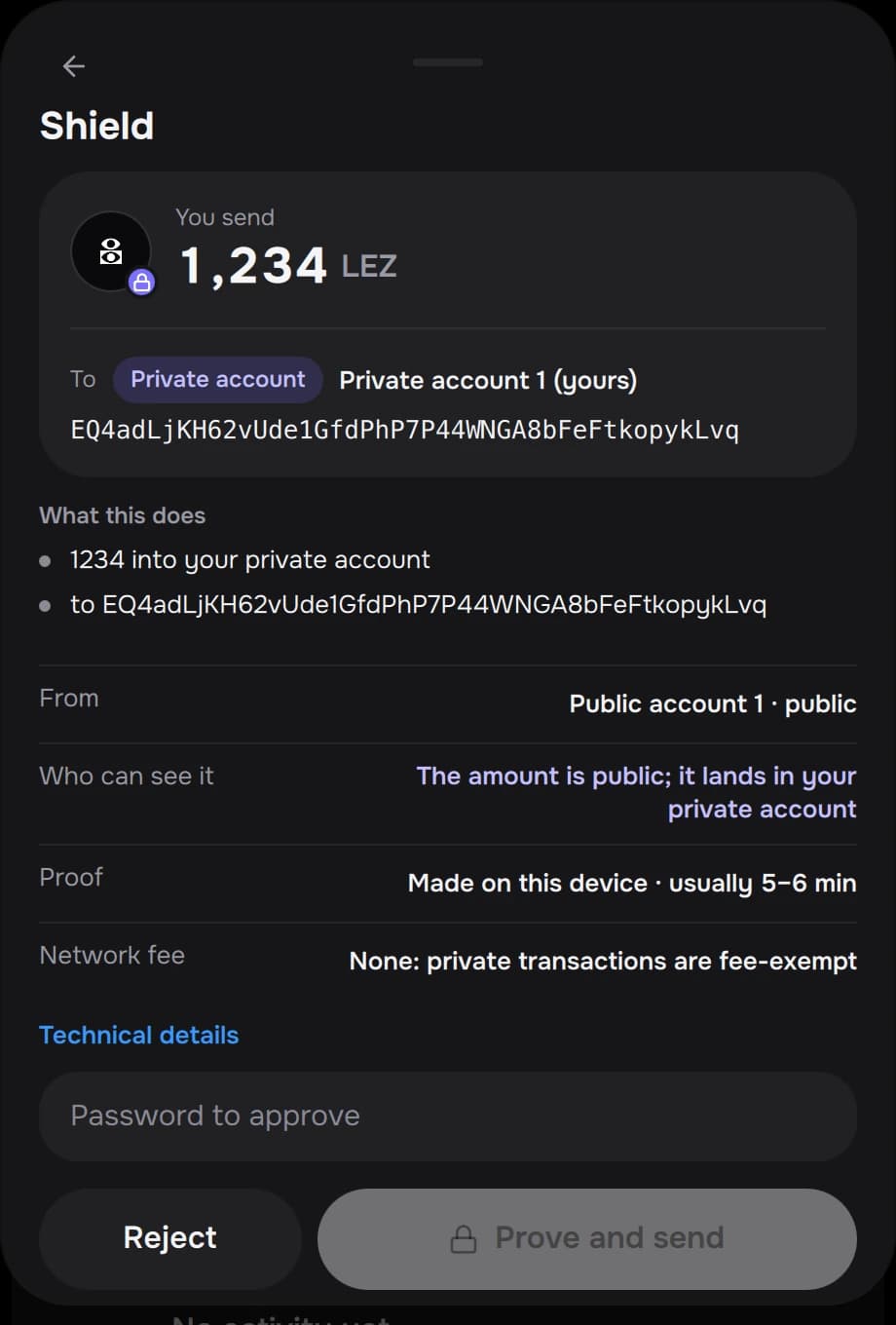
| Private transfers (optional) | 4–7 minutes per proof on an M-series Mac |
You need: Basecamp (macOS on Apple silicon, or Linux x86-64 or arm64) and, for part 2, Nix with flakes enabled.
1. The wallet
Add the Logos Kit catalog
In Basecamp: Settings → Package Repositories → Add, and paste exactly:
https://raw.githubusercontent.com/logos-kit/logos-kit-modules/refs/heads/main/logos-repo.json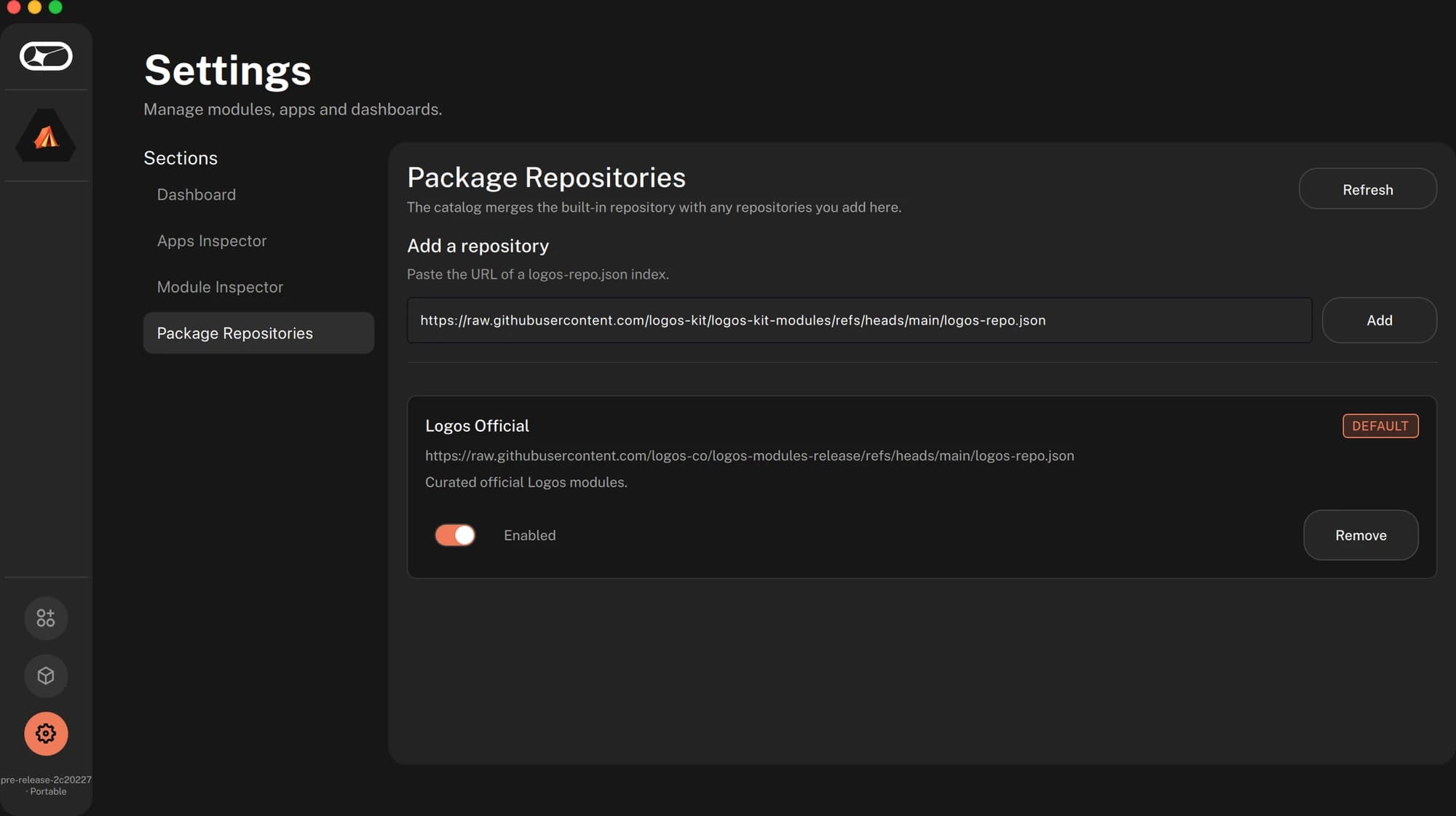
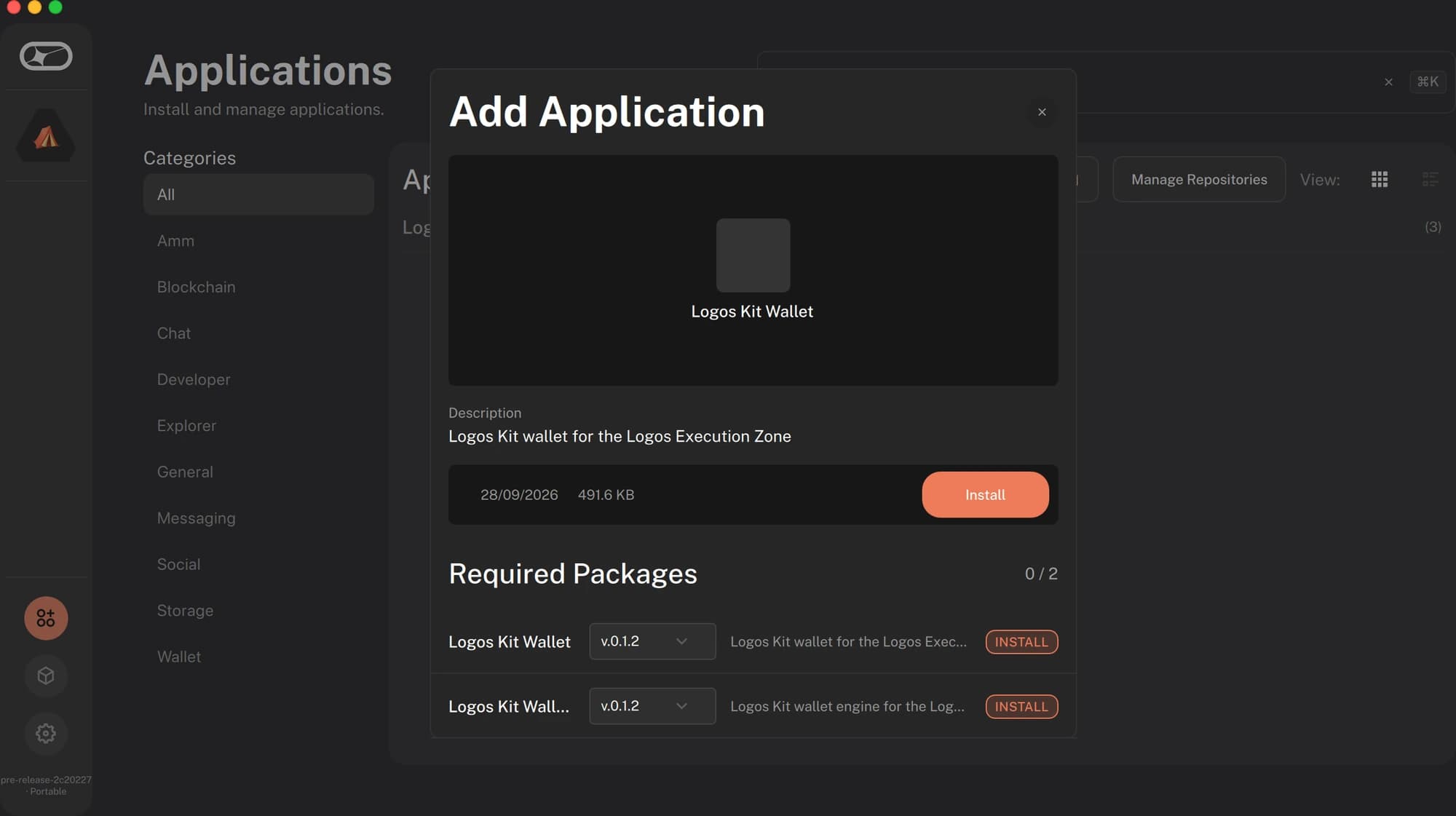
Install Logos Kit Wallet
Open Applications, pick Logos Kit Wallet, press Install. Basecamp
pulls the core module (logos_kit_wallet) with it. The wallet appears in the
sidebar.
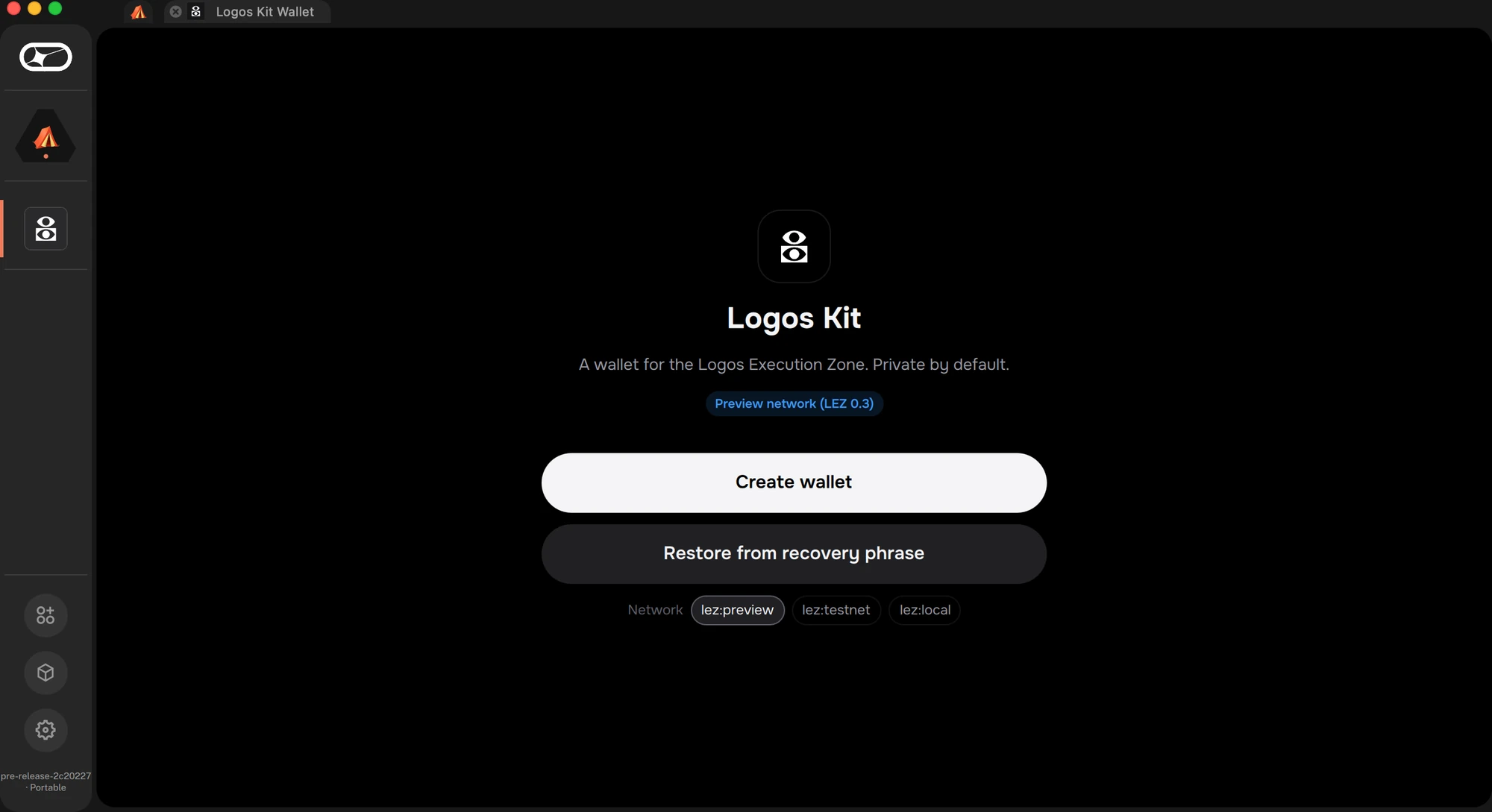
Create a wallet
Open it and choose Create wallet. Pick a password, then write down the
recovery phrase: it's shown once. The wallet opens on the official LEZ
testnet (lez:testnet), which runs LEZ v0.3.0.
Get test funds, then send
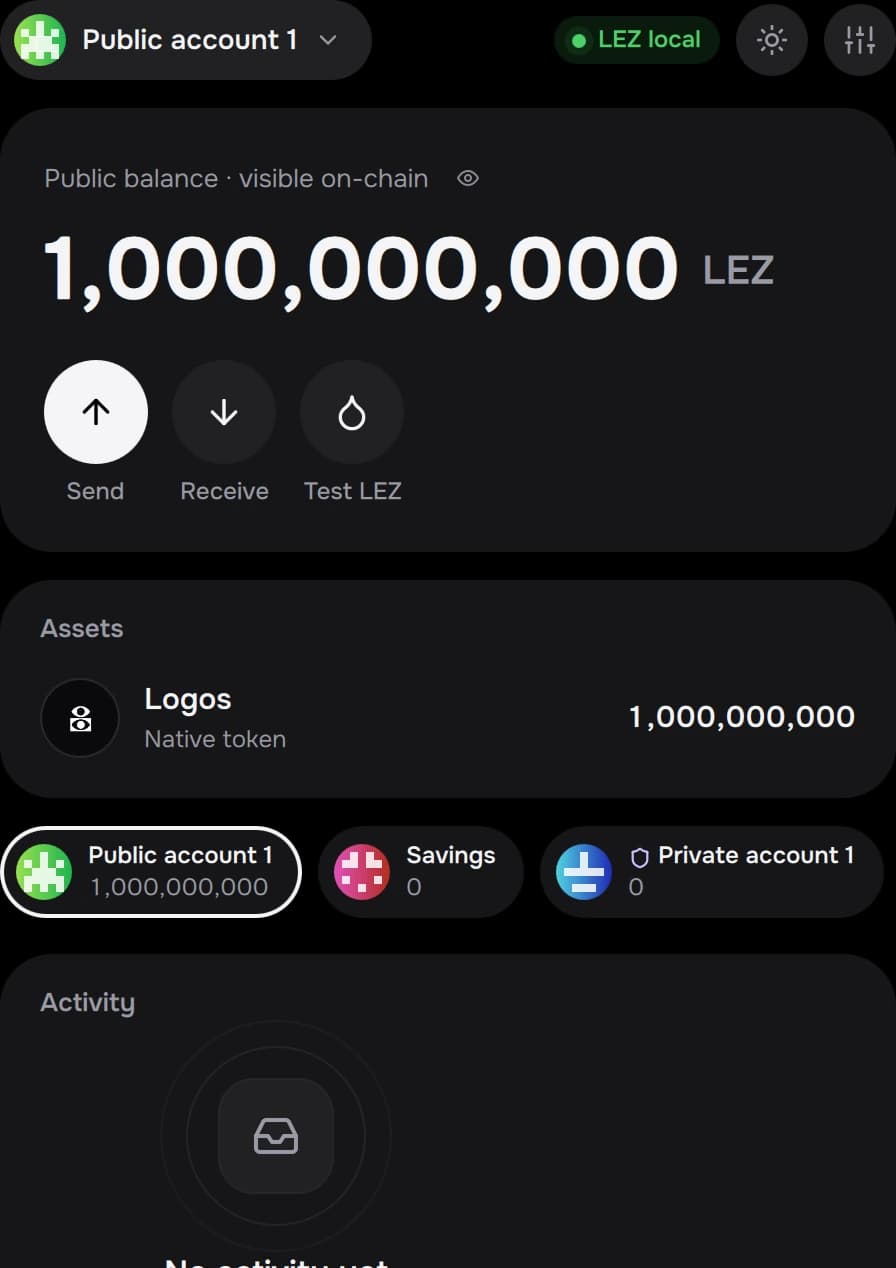
On the home screen, press Test LGO. Logos Kit's testnet faucet sends 1 LGO to your public account. Then Send some to a second public account (account menu → + Public account) and approve it. On the testnet it can take a minute or more to land.
2. Your app
Start from the template
mkdir my-app && cd my-app
nix flake init -t github:logos-kit/logos-kit#dapp
You get a ui_qml module: metadata.json, qml/Main.qml, the SDK in
qml/LogosKit/, the UI kit in qml/LogosKitUi/, and the wallet's contract in
logos_kit_wallet.lidl.
Name it
In metadata.json, set name (lowercase with _), display_name and
description, and replace src/icons/icon.png. Keep every intent you use
under uses, as objects:
"uses": [
  { "intent": "lez.wallet.connect" },
  { "intent": "lez.transaction.send" },
  { "intent": "lez.wallet.request_funds" }
]
Build and install
nix build .#lgx-portableInstall result/*.lgx from Basecamp's Package Manager → Install from
file, or with lgpm install --file result/*.lgx. Your app appears in the
sidebar.
Connect, get funds, send
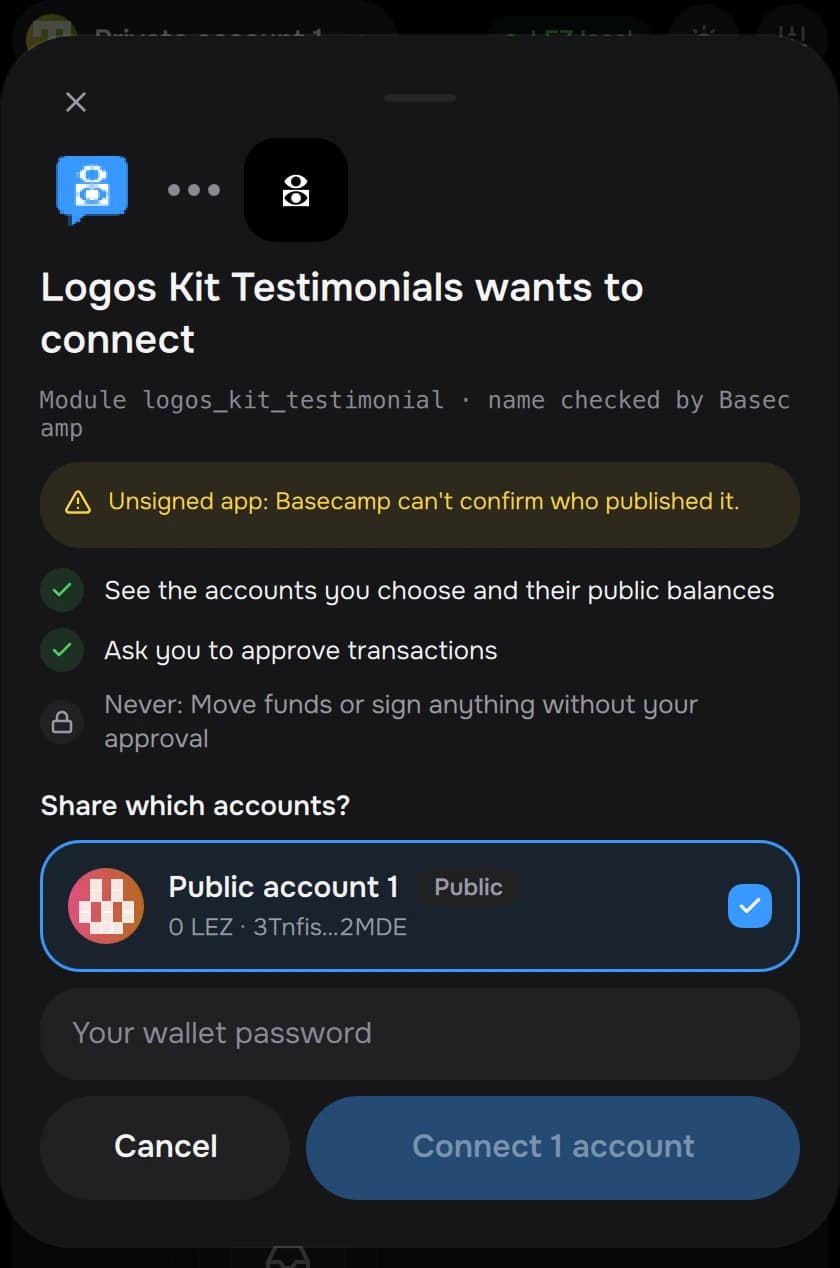
Open your app and press Connect wallet. Basecamp routes the request to Logos Kit, and the wallet asks which account to share.
Then Get test funds (the wallet shows its faucet sheet) and send. The template's code for the send:
import "LogosKit"

LogosKit { id: kit; visible: root.visible }

kit.api.transfer(root.account, to, "42").then(function (r) {
    kit.api.watchTransaction(r.handle, function (s) {
        if (s.lifecycle !== "included") return
        root.phase = s.outcome === "success" ? "done"
                   : s.outcome === "failure" ? "failed"
                   : "unconfirmed"          // re-check the balance before calling it done
    })
})
Amounts are lepta, as strings (1 LGO = 10^9 lepta): "42" is
0.000000042 LGO. Turn what the user types in LGO into lepta with
kit.sdk.parseUnits(text, 9), and show amounts with
kit.sdk.formatUnits(amount, 9).
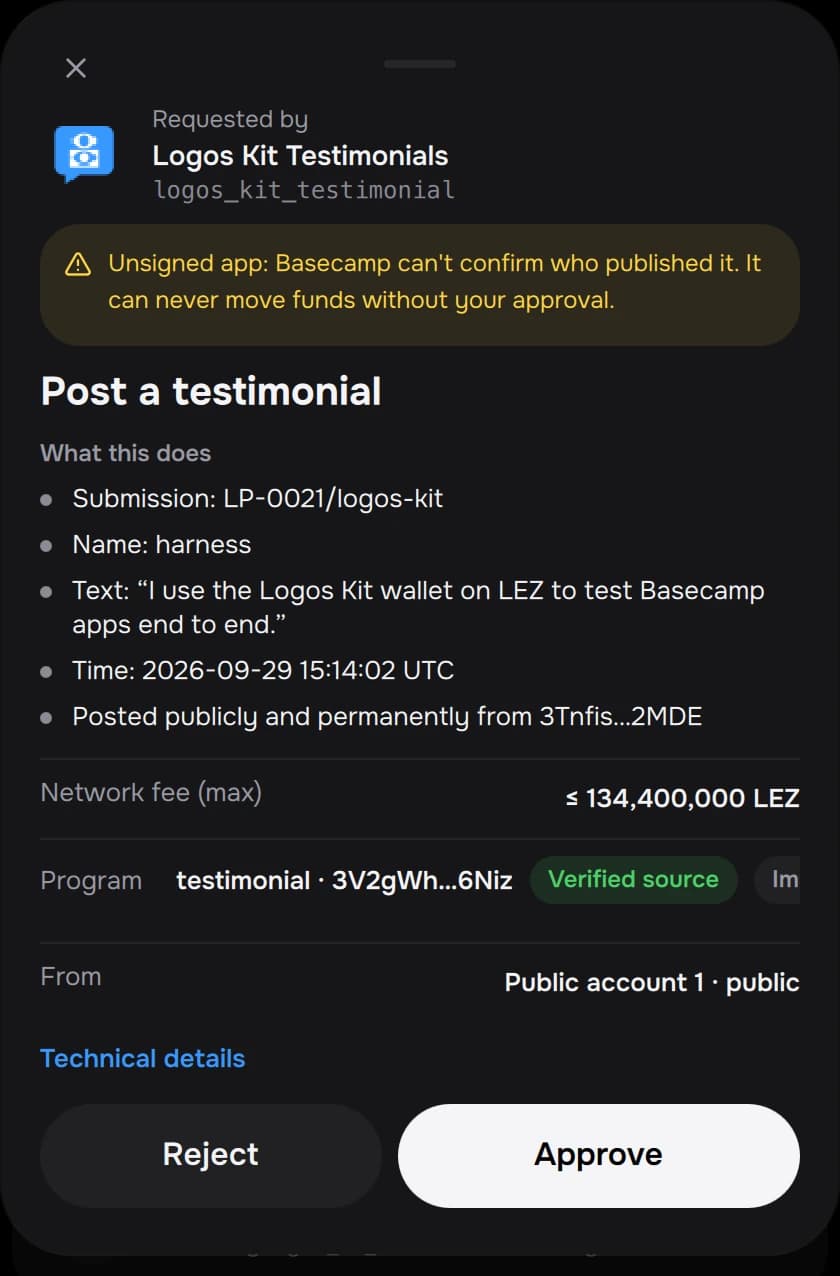
The wallet shows the approval with your app's icon and name. Once it lands, the template shows the receipt.
If something goes wrong
| Symptom | Cause | Fix |
|---|---|---|
Connect fails with not_declared | The intent isn't in metadata.json uses (or it's a bare string) | Add it as { "intent": "…" }, rebuild, reinstall |
Connect does nothing, or fails with unavailable | No wallet provides the intent: Logos Kit isn't installed, or the core module didn't load | Install Logos Kit Wallet from the catalog; restart Basecamp; check it opens |
| Basecamp asks which wallet to use | More than one wallet provides the intent | Pick Logos Kit |
4900 Disconnected | The wallet is locked or not set up | Open Logos Kit Wallet and unlock it |
The wallet shows an offline banner, or 4901 | The sequencer isn't reachable | Check the network pill in the wallet; the testnet's status is on this site's home page; retry later |
rate_limited on test funds | One drop per account per hour, five per IP | Wait for the countdown |
Included, but unknown | The wallet couldn't prove the effect | Re-read the balance; show "not confirmed yet" until it moves |
More in Troubleshooting.
Develop against a local chain
The SDK follows the wallet's network. Run e2e/standalone.sh from a checkout
of this repo (a local sequencer on :3040), switch the wallet to LEZ local
(Settings → Network), and your app follows. kit.chain tells you where
you are.
Next
- Send a transaction: the full lifecycle and every ending.
- The testimonial app: a complete app on the SDK.
- QML SDK: every call.
- Errors: what can go wrong and what to show.